Free Deadline Countdown Dashboard (HTML)
HTML
Try it here
If the tool does not load here, use the download link: Deadline_Countdown_Dashboard.html.
What this is
Who it's for: Freelancers who need a deadline countdown dashboard
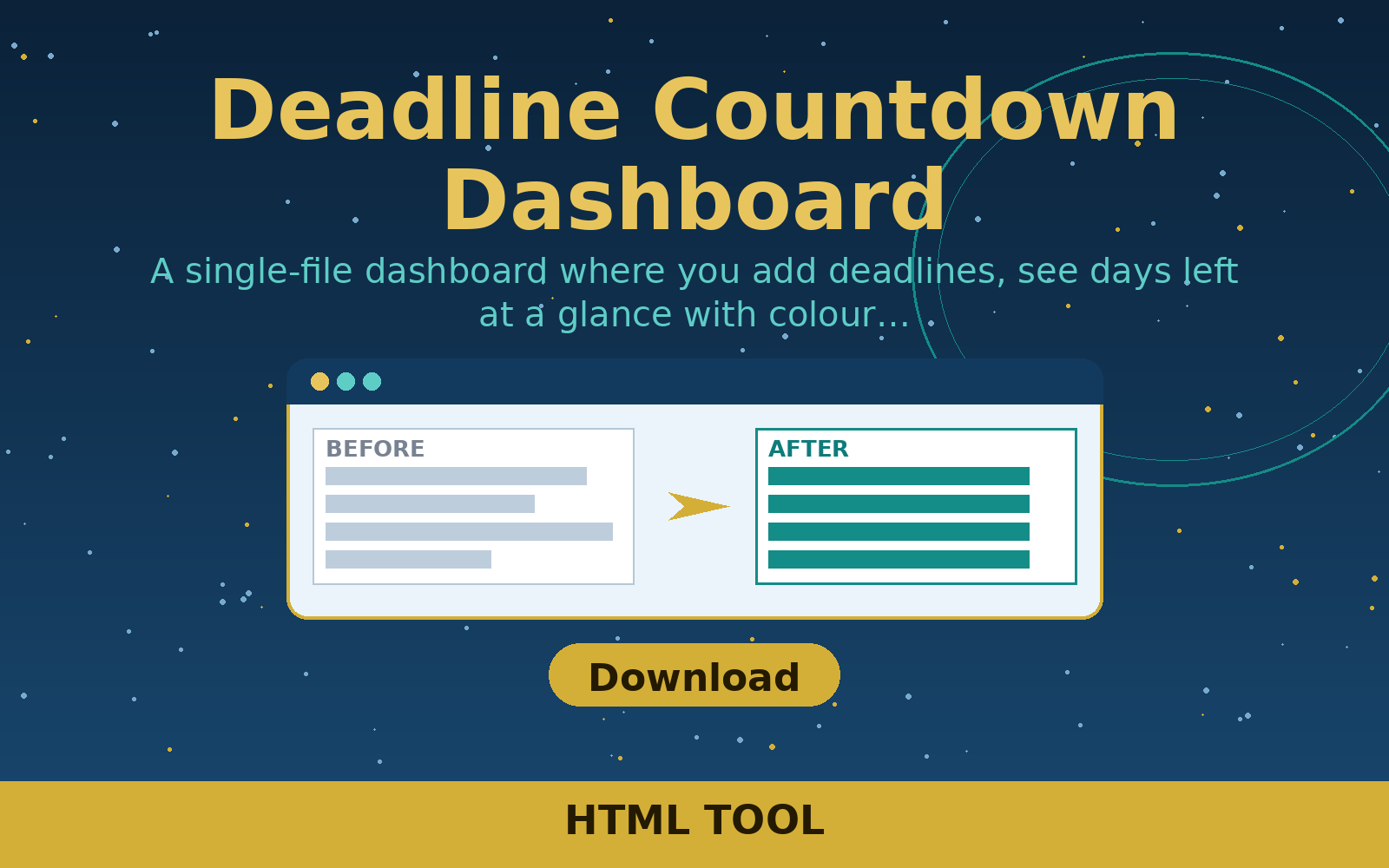
A single-file dashboard where you add deadlines, see days left at a glance with colour warnings, and keep them saved in your browser.
Free in full — download it and use it on your own freelance work.
User manual
- Open the main file in its folder.
- Replace every bracket field or EXAMPLE row with your own details.
- Save a copy for each client or week before you start editing.
- Use it on a real job, not just as a sample.
- Keep the finished copy with the project file.
Requirements
Any modern web browser; no internet connection needed. Opens as a single file.
Download details
Format: HTML
What is inside: Deadline_Countdown_Dashboard.html
Download free — Deadline_Countdown_Dashboard.html (2.8 KB)
- Deadline_Countdown_Dashboard.html — 2.8 KB
- README.txt — 641 B
Questions
What does deadline countdown dashboard do?
A single-file dashboard where you add deadlines, see days left at a glance with colour warnings, and keep them saved in your browser.
What files do I get?
The download is Deadline_Countdown_Dashboard.html.
What do I need to open or use it?
Any modern web browser; no internet connection needed. Opens as a single file.
Do I need any special software?
Any modern web browser; no internet connection needed. Opens as a single file.
How do I use it?
Open the main file in its folder. Replace every bracket field or EXAMPLE row with your own details. Save a copy for each client or week before you start editing. Use it on a real job, not just as a sample. Keep the finished copy with the project file.