Free PDF Text Extractor Batch (Python)
ZIP Pack Runs locally — files stay private
What this is
Who it's for: Freelancers who need a PDF text extractor batch
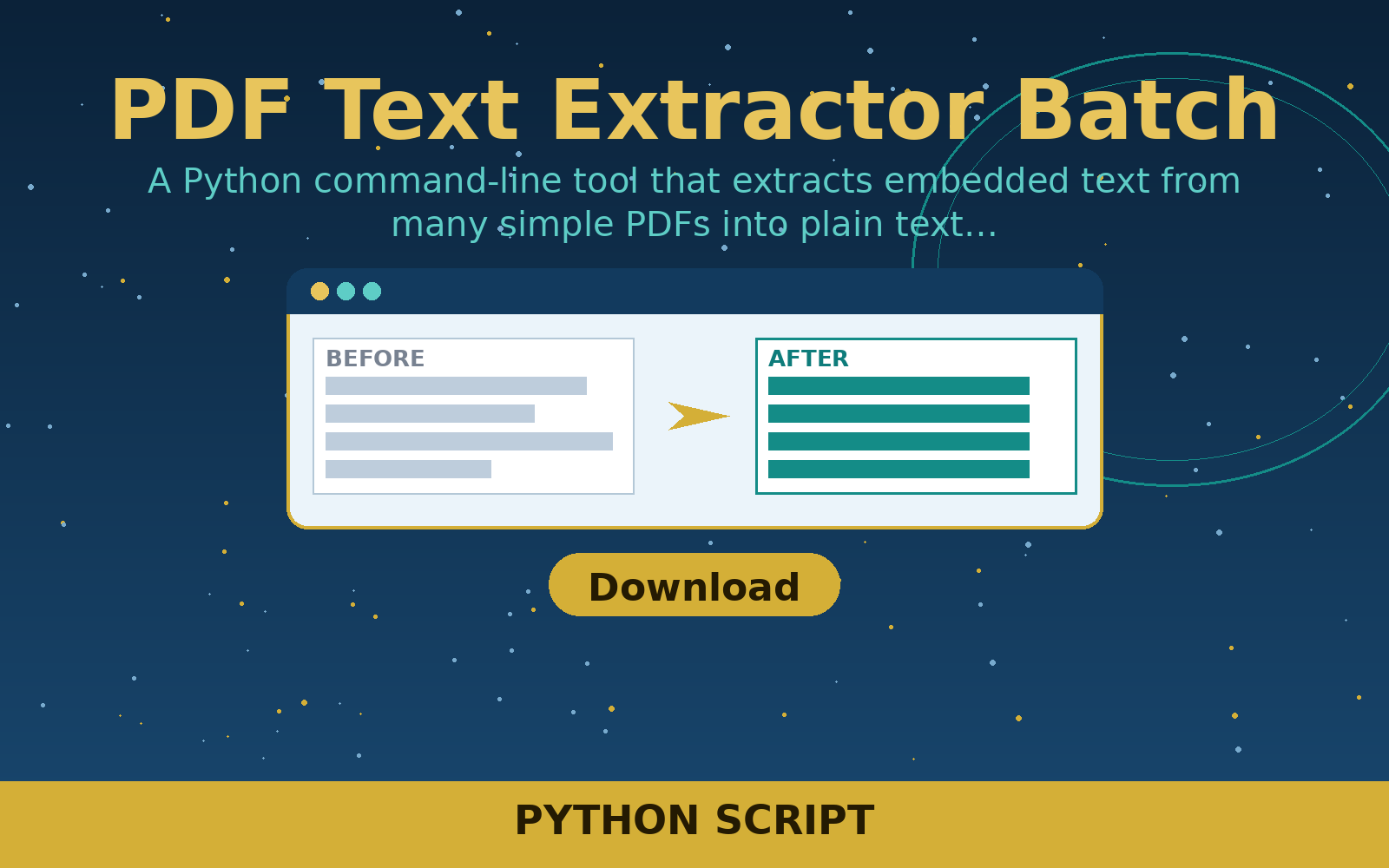
A Python command-line tool that extracts embedded text from many simple PDFs into plain text files. For freelancers pulling text out of generated PDFs in bulk.
Free in full — download it and use it on your own freelance work.
User manual
- Put your PDFs in one folder.
- Run: python3 extract_pdf_text.py pdfs/ --out text/
- Open the .txt file created for each PDF.
- Check the output, especially for scanned or image-only PDFs.
- Copy the extracted text into your document or notes.
Requirements
Python 3.8 or later. No extra packages needed.
Download details
Format: Python script
What is inside: extract_pdf_text.py (Python standard library only), README.txt stating its limits.
This download is one ZIP containing the Python file plus the README. Unzip it, then run the tool with Python 3 — the README inside the zip gives the exact command.
Download free — pdf-text-extractor-batch.zip (1.4 KB)
- pdf-text-extractor-batch.zip — 1.4 KB
Questions
What does PDF text extractor batch do?
A Python command-line tool that extracts embedded text from many simple PDFs into plain text files.
What files do I get?
The download is pdf-text-extractor-batch.zip.
What do I need to open or use it?
Python 3.8 or later. No extra packages needed.
Does it work on every PDF?
No. It extracts embedded text strings from simple PDFs. Scanned image PDFs and heavily compressed or encrypted PDFs may return little or no text, and the README states this limit.
Does it need extra packages?
No. It uses only the Python standard library.