Free Site Measurement Sheet — Excel
Excel
What this is
Who it's for: Freelancers who need a site measurement sheet
A site measurement sheet for builders and site engineers, in Excel format, that records room lengths and widths and calculates areas and totals automatically.
Free in full — download it and use it on your own freelance work.
The site measurement sheet is a free Excel template that records room lengths and widths and calculates areas and totals automatically for builders and site engineers.
The site measurement sheet is a free Excel template that records room lengths and widths and calculates areas and totals automatically for builders and site engineers. Measurements taken on site are only useful if they survive the journey back to the office, and a notebook page of numbers with no room names is a puzzle, not a record. The sheet fixes that by pairing every measurement with its room name and calculating each area and the total by formula, in square metres, so the totals can be used directly for material orders.
How to use it. Open site-measurement-sheet.xlsx in a spreadsheet app and take a tape measure with you, because the sheet needs real measurements, not estimates from memory. Enter each room name, then its length and width in metres, and check the automatic area and total; areas calculate in square metres because the inputs are in metres, so mixing in feet will silently corrupt every total. If the job has more rooms than the sheet provides, insert rows above the TOTAL row and copy the Area formula down, so every room stays inside the total. Use the totals for ordering materials, and keep the finished sheet with the project file as the measurement record.
Worked example. A builder measures three rooms: a living room 5 metres by 4 metres, which is 20 square metres; a bedroom 4 metres by 3 metres, which is 12 square metres; and a kitchen 3 metres by 3 metres, which is 9 square metres. Entered in the sheet, the areas calculate automatically and the total shows 41 square metres, which the builder uses to order flooring with a small cutting allowance on top. Had the total been added by hand, a single slipped digit would have ordered the wrong quantity; with the formula doing the addition, the only numbers that can be wrong are the measurements themselves, and those were taken with a tape.
The template is free in full, with no checkout and no account. If a download fails or a file arrives damaged, email tariqshahzad88@gmail.com and the file will be re-sent, and if a product does not work as described it will be fixed or replaced within 7 days.
Questions
Q: What does site measurement sheet do?
A: A site measurement sheet for builders and site engineers, in Excel format, that records room lengths and widths and calculates areas and totals automatically.
Q: What files do I get?
A: The download is site-measurement-sheet.xlsx.
Q: What do I need to open or use it?
A: A spreadsheet app and a tape measure.
Q: What units should I use?
A: Metres, so areas calculate in square metres.
Q: Can I add more rooms?
A: Yes. Insert rows above the TOTAL row and copy the Area formula down.
User manual
- Open the file
- Enter room names
- Enter lengths and widths in metres
- Check automatic areas and total
- Use totals for material orders
Requirements
A spreadsheet app and a tape measure.
Download details
Format: XLSX
What is inside: Instructions sheet plus a Measurements sheet with sample rooms and formula-driven areas and total.
Download free — site-measurement-sheet.xlsx (5.9 KB)
- README.txt — 426 B
- site-measurement-sheet.xlsx — 5.9 KB
Questions
What does site measurement sheet do?
A site measurement sheet for builders and site engineers, in Excel format, that records room lengths and widths and calculates areas and totals automatically.
What files do I get?
The download is site-measurement-sheet.xlsx.
What do I need to open or use it?
A spreadsheet app and a tape measure.
What units should I use?
Metres, so areas calculate in square metres.
Can I add more rooms?
Yes. Insert rows above the TOTAL row and copy the Area formula down.
What it actually looks like
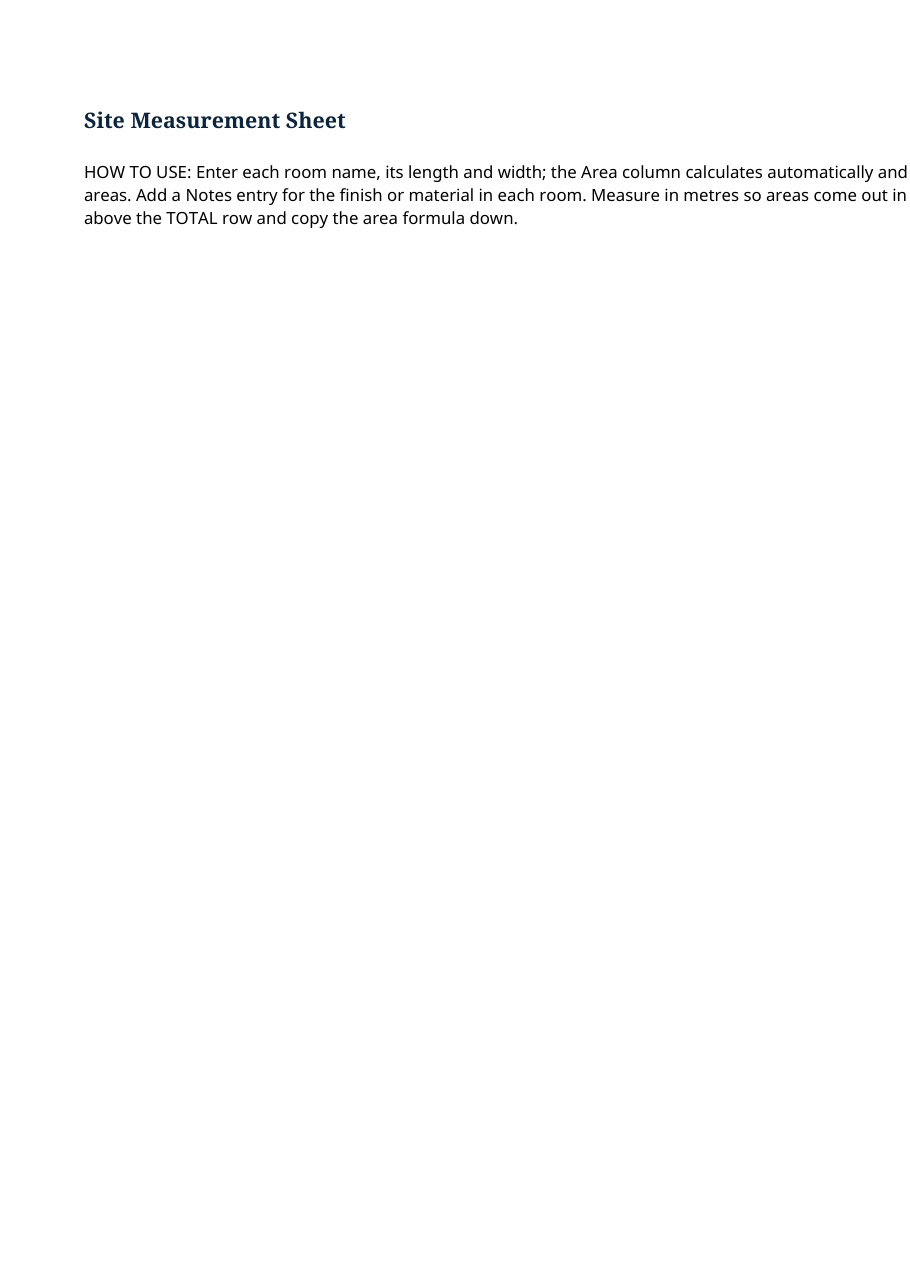
Real preview rendered from the actual file (downloads/site-measurement-sheet/site-measurement-sheet.xlsx).